
How It Works & Setup Guide
How it works
1. Receive your review card
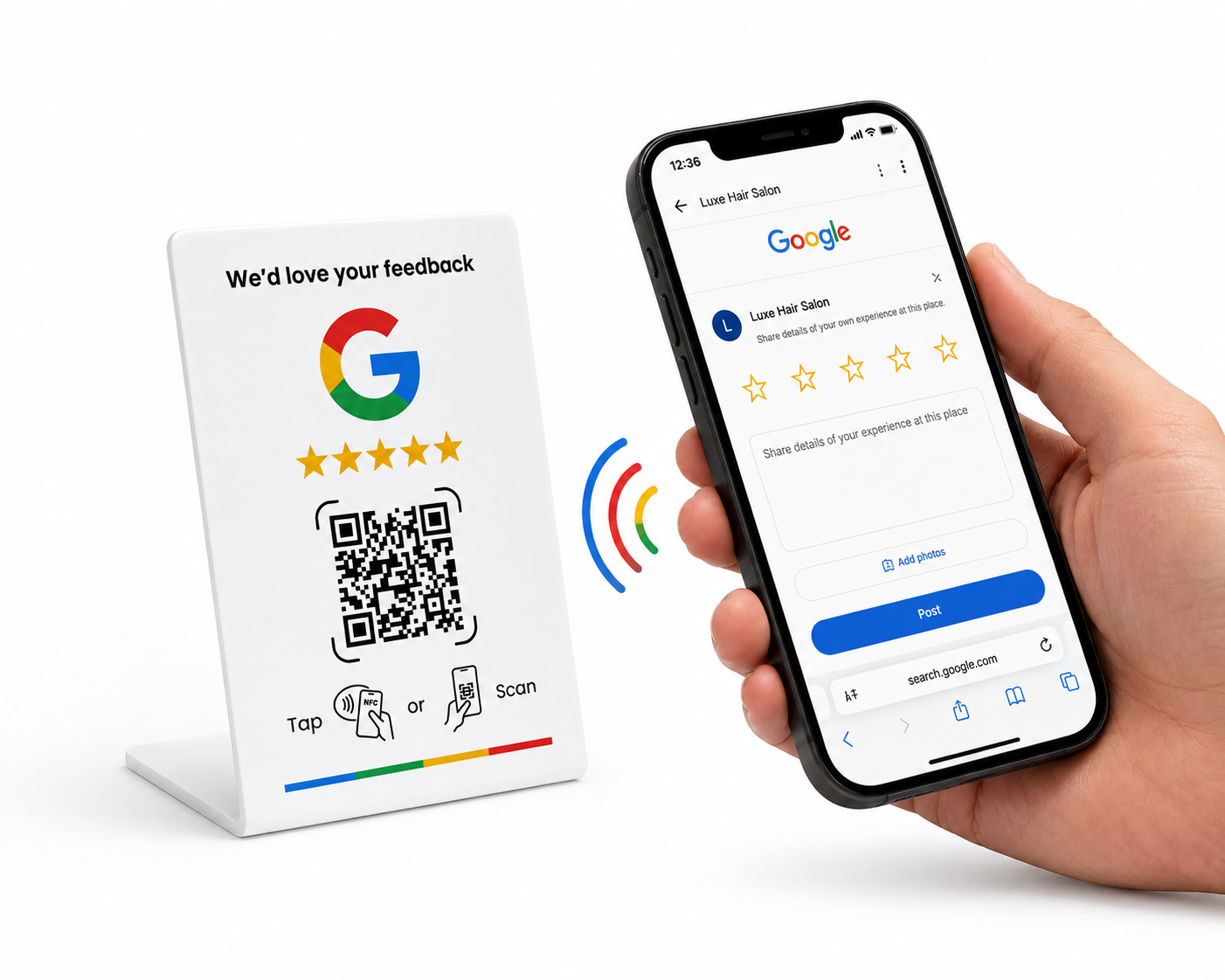
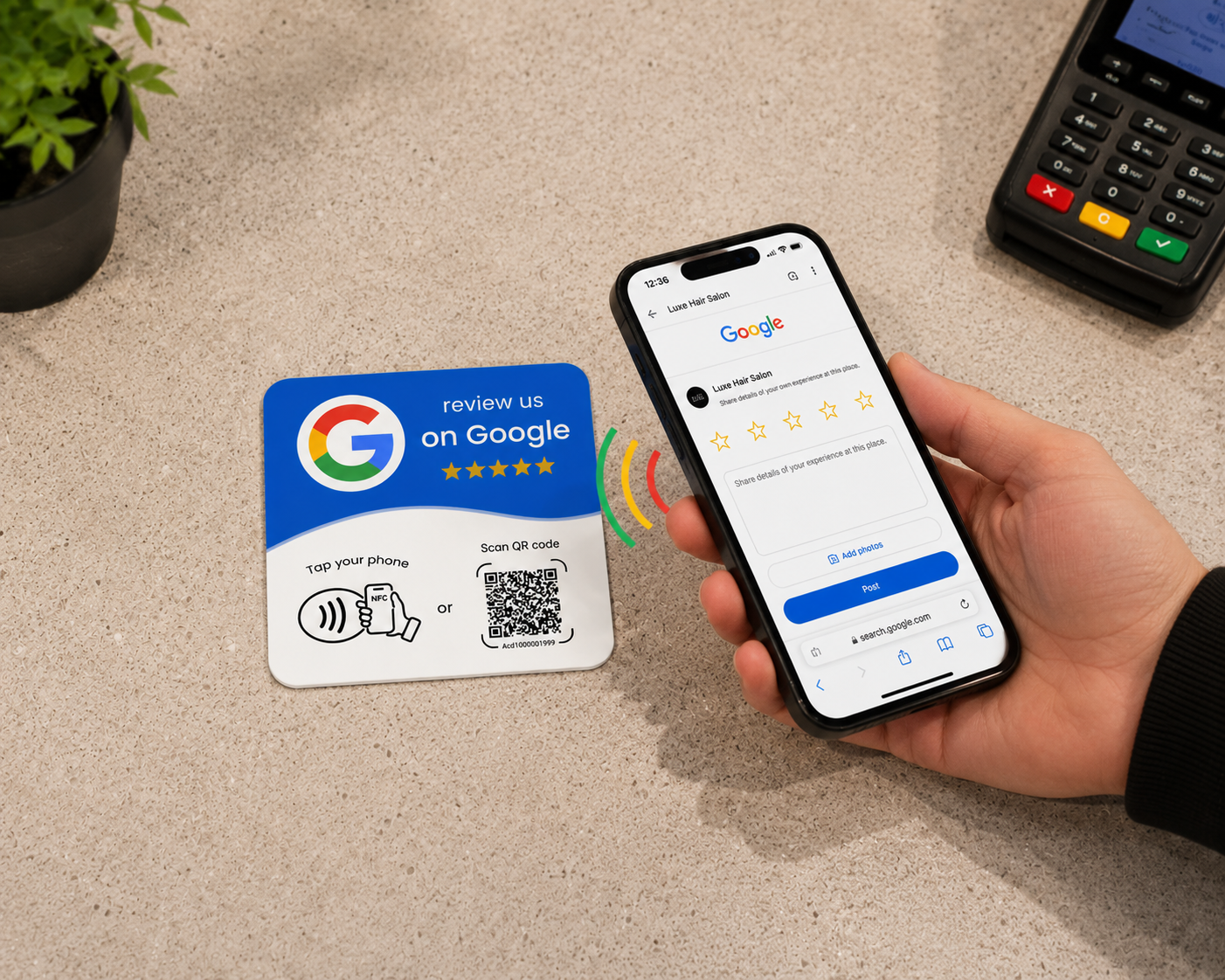
2. Customer taps their phone or scans
3. They land straight on your Google review page
4. Your 5-star reviews grow
Set up in under 5 minutes
Every card and stand works two ways — tap the built-in NFC chip, or scan the printed QR code.
Find your Google review link
Search your business on Google, open your Business Profile and click “Ask for reviews”. Copy the short link — it looks like g.page/r/XXXX/review.
Program your card
Download the free NFC Tools app by wakdev — iPhone (App Store) or Android (Google Play). Open it, tap Write → Add a record → URL, paste your review link, press Write, and hold your phone flat against the card until it confirms.
Test tap & scan
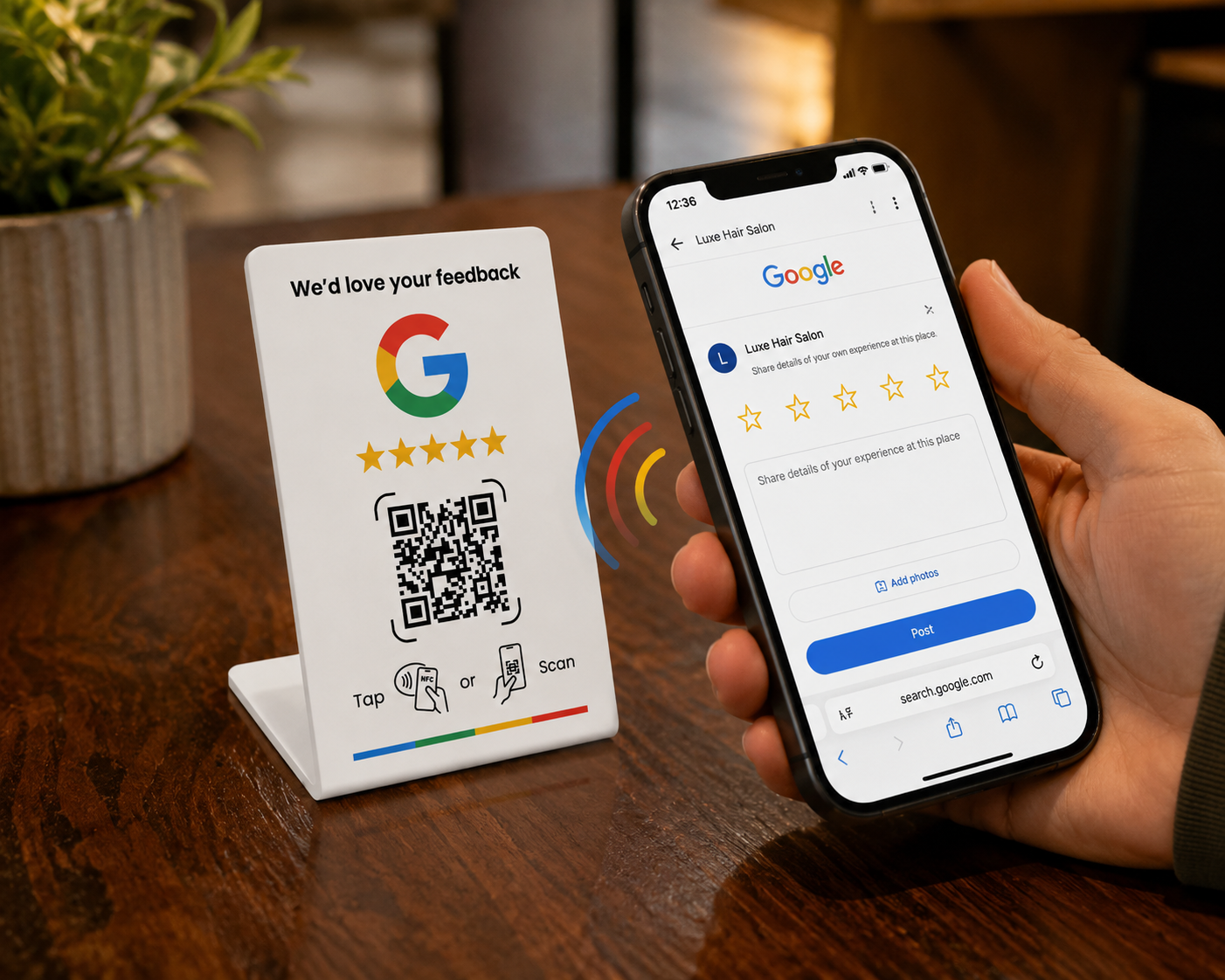
Tap a phone on the card (top edge on Android, near the camera on iPhone) — your review page should open. Then scan the QR code with the camera to check both work.
Place it where reviews happen
Next to the till, on the reception desk, or at the table with the bill. The closer to the moment your customer is happiest, the more reviews you collect.
How to order
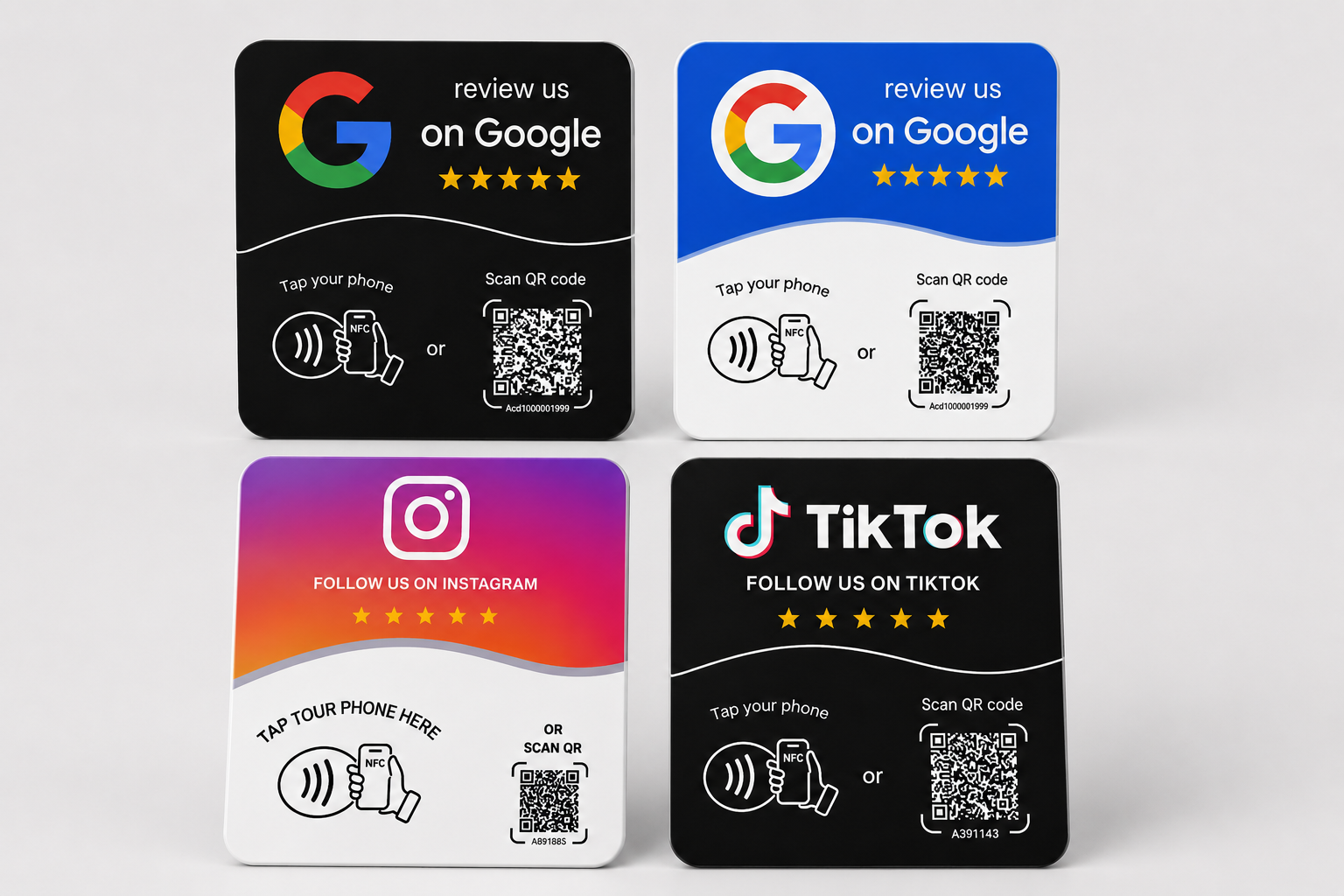
1. Choose your card or stand
2. Checkout securely
3. Program it in minutes
4. Collect reviews
Who we are
We’re Review Cards Aus
We help Australian small businesses — cafes, salons, barbers, gyms, clinics and tradies — collect more Google reviews with a simple tap. Questions? Email reviewcards249@gmail.com.